Select viewing locations, night vision modes, video resolution, storage, and recovery tools.
ADVERTISEMENT
🏠 Part 1: Monitoring Location Setup
Select your camera placement area for optimal viewing angles and anti-backlighting adjustment:
Home
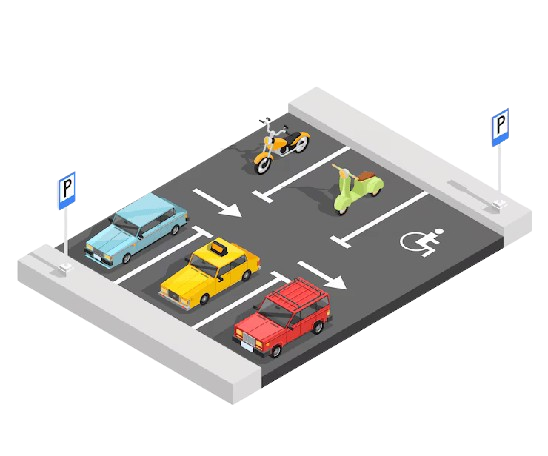
Parking
Office
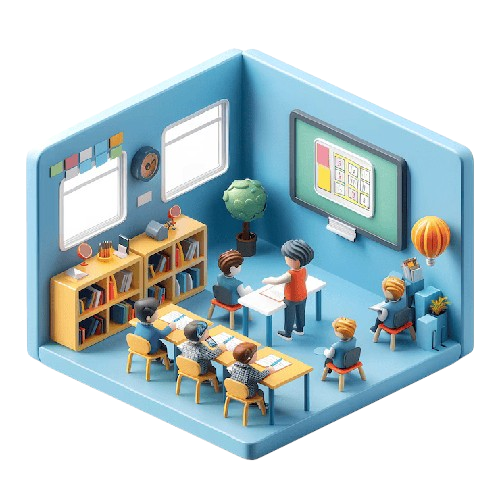
ClassRoom
Garden
Entrance
📍 Placement Tip (Home): Mount at 7–8 ft height pointing toward entryways. Avoid facing direct indoor lamps to prevent underexposure.
🌙 Part 2: Camera Vision & Night Mode Controls
Toggle your preferred day, night, and auto-switching optical vision profiles:
Auto Vision Mode
Day Vision (Full Color)
Night Vision (IR Sensors)
ADVERTISEMENT
🎥 Part 3: Video Resolution & Bitrate Quality
Select your target live stream encoding resolution and bandwidth profile:
1080p Full HD (3.0 Mbps)
720p HD (1.5 Mbps)
480p SD / 360p Standard
💾 Part 4: Storage Destination & DVR Channels
Configure continuous loop recording and network video recorder allocation:
Encrypted Cloud Storage
Local MicroSD Card Recording
4CH DVR
8CH DVR
16CH DVR
🛠️ Part 5: 5-Step Offline Diagnostic & Recovery Toolkit
If your camera status shows "Device Offline" or fails to establish a live stream feed, follow this recovery protocol:
1
Power Cycle: Unplug the 5V power adapter, wait 15 seconds, and reconnect. Watch for the startup chime.
2
Check Wi-Fi Distance: Verify Wi-Fi signal strength at camera location is above 60%. Bring camera closer to test.
3
Reboot Router: Restart your Wi-Fi router to clear cached DHCP IP leases and resolve channel interference.
4
Verify App Permissions: Ensure your mobile app has "Local Network Discovery" and Bluetooth enabled.
5
Hardware Factory Reset: Hold the reset button with a pin for 10 seconds until you hear "Ready to Connect".
📼 DVR & Storage Sizing Recommendations
For continuous 24/7 recording at 1080p using H.265 compression, allocate approximately 25 GB of surveillance-grade HDD storage per camera per day.
MicroSD Cards: Format cards to FAT32 before first use to ensure seamless circular recording overwrites.
Anti-Glare Rule: When monitoring outdoors through a glass window, disable infrared night vision to prevent the IR light from reflecting back into the lens.
 Home
Home
 Parking
 Office
 ClassRoom
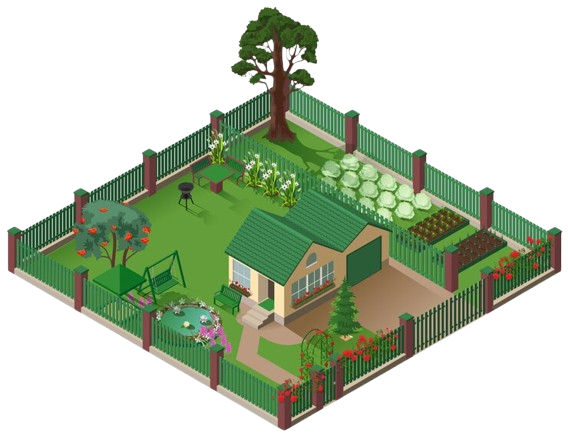 Garden
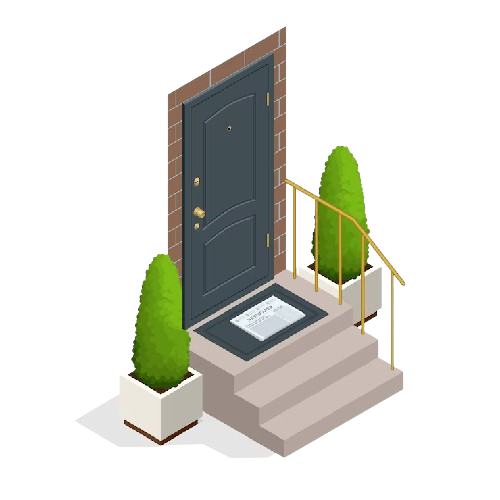 Entrance
 Auto Vision Mode
 Day Vision (Full Color)
 Night Vision (IR Sensors)